Different Types of Passkeys: A Comprehensive Guide
Passkeys come in several types - device-bound, synced, and hardware keys - each with different trade-offs. Learn which is right for your use case and why it matters.

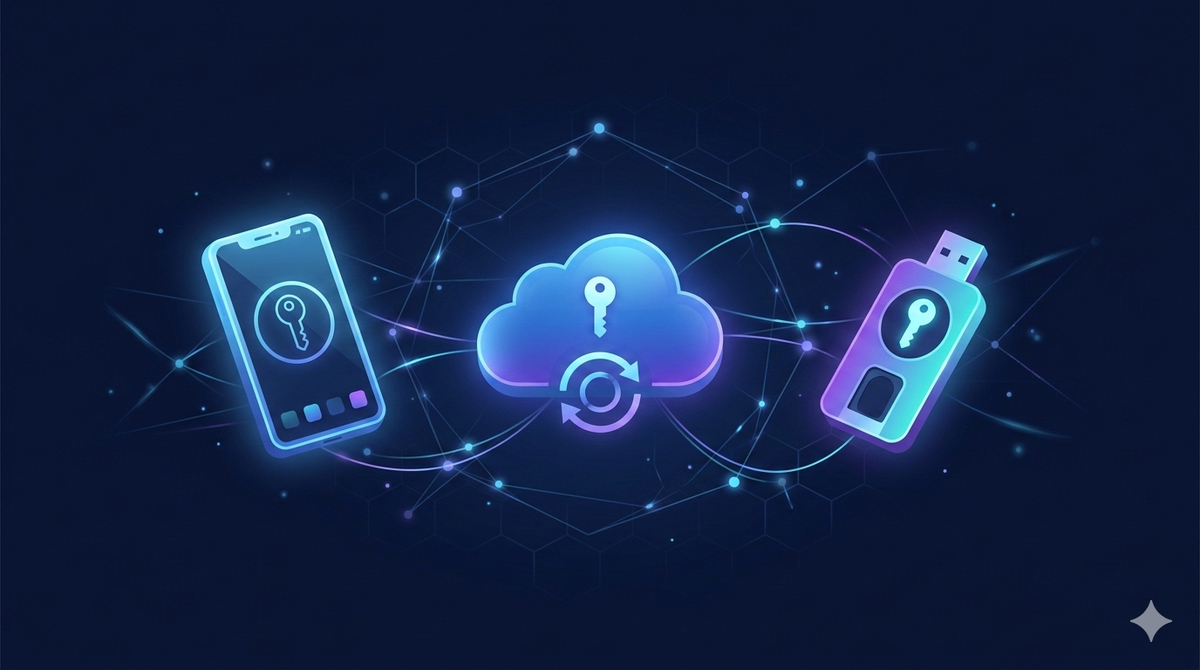
Not all passkeys are the same. While they all use the same underlying cryptographic principles - the public-private key pairs we covered in The technology behind passkeys: PKI explained - passkeys differ significantly in how they're stored, how portable they are, and what happens when you lose a device. Understanding these differences is essential for choosing the right implementation, whether you're a user deciding how to manage your credentials or a developer deciding what to support.
This guide covers every major passkey type in practical terms: what they are, how they work, and where each one is the right tool.
The Core Distinction: Where Does the Private Key Live?
Every passkey has a private key. The most important question about any passkey type is: where is that private key stored, and can it move?
The answer to that question determines portability, recoverability, and the security trade-offs of each approach. All other differences flow from it.
Device-Bound Passkeys
A device-bound passkey is generated on a specific device and never leaves it. The private key is stored inside the device's secure hardware e.g. Apple's Secure Enclave, Android's StrongBox, or a Windows TPM (Trusted Platform Module). They cannot be exported, copied, or synced. Authentication requires physical possession of that specific device, plus local verification (biometrics or PIN). Even the platform vendor cannot extract the private key. Device-bound passkeys are what most hardware security keys (YubiKeys, Google Titan Keys) create.
Strengths:
- Maximum security - no cloud exposure, no sync infrastructure to compromise
- Fully hardware-backed with no exportable key material
- Resistant to remote attacks by design - an attacker needs the physical device and your biometrics
Limitations:
- No portability - if you lose or damage the device, the passkey is gone
- Multi-device use requires re-registering a new passkey on each device
- Recovery depends entirely on the service's fallback authentication method
Best suited for: High-security environments, enterprise deployments where device control is strict, hardware security keys used by security-conscious individuals, and regulated industries where credential portability represents a compliance risk.
Synced Passkeys
Synced passkeys, also called multi-device passkeys, are the type most consumers encounter today. The private key material is generated on-device but encrypted and backed up to a cloud credential manager, then replicated to your other devices.
Apple syncs passkeys via iCloud Keychain. Google uses Google Password Manager. Microsoft uses the Windows credential manager with optional cloud backup. Third-party managers like 1Password and Dashlane also support passkey sync across platforms. Crucially, the sync happens end-to-end encrypted - the platform vendor cannot read your private key in transit or at rest. The cloud is used as an encrypted transport and storage layer, not as a trusted intermediary.
Strengths:
- Survives device loss - your passkeys are recoverable via your platform account
- Works seamlessly across all your devices without re-registration
- Dramatically better usability for everyday consumers
- Maintains the core security properties: private key is never transmitted during authentication, origin binding still applies
Limitations:
- Security depends partly on your platform account security - a compromised Apple ID or Google account could potentially expose synced passkeys
- Introduces cloud infrastructure into the trust model
- Cross-platform sync (e.g. from Apple to Google ecosystem) requires third-party managers
Best suited for: Consumer applications, most enterprise deployments, any scenario where usability and recoverability are priorities alongside security. The security trade-off of synced passkeys is worth examining directly: while the sync infrastructure introduces a theoretical additional attack surface, it's substantially more secure than the alternative most users would otherwise choose i.e. password reuse across sites.
Hardware Security Keys
Hardware security keys - devices like YubiKeys, Google Titan Keys, or FIDO-certified alternatives - are physical roaming authenticators that implement FIDO2/WebAuthn. They connect via USB, NFC, or Bluetooth, and work with any WebAuthn-supporting service.
Unlike platform passkeys (which are tied to a specific OS ecosystem), hardware keys are fully cross-platform. A YubiKey works with Chrome on Windows, Safari on Mac, and Android - the same device, the same key. The passkeys stored on hardware security keys are device-bound by nature. The private key lives on the key's tamper-resistant chip and cannot be extracted.
Strengths:
- Cross-platform and cross-ecosystem by design
- Highest assurance level - physical possession is unambiguous
- No cloud dependency whatsoever
- Resistant to supply chain and platform-level attacks
Limitations:
- Physical device that can be lost or forgotten
- Most hardware keys don't support biometrics - authentication relies on physical possession plus a PIN
- Cost and distribution overhead for enterprise deployments
- Consumer usability is lower than platform passkeys
Best suited for: Security-critical accounts (superadmin access, financial accounts, developer credentials), enterprise privileged access management, users who operate across multiple OS ecosystems, and anyone who wants authentication with no cloud dependency.
Cross-Platform Passkeys via Third-Party Managers
One of the practical limitations of synced passkeys is ecosystem lock-in. iCloud Keychain passkeys don't sync to Android. Google Password Manager passkeys don't sync to iOS natively. Third-party password managers solve this by acting as platform-agnostic passkey stores. They implement their own sync infrastructure, support all major browsers via extensions, and allow passkeys to move freely between Apple, Google, and Windows ecosystems.
Strengths:
- True cross-platform portability without hardware keys
- Centralized management across all devices and ecosystems
- Often integrates passkeys alongside existing password management workflows
Limitations:
- Adds a third-party to the trust model
- Requires the password manager app or extension to be present on each device
- Varying levels of platform integration compared to native solutions
Best suited for: Users or organisations who operate across multiple ecosystems and need passkeys to work consistently everywhere.
Passkeys in Enterprise and IAM Contexts
Enterprise deployments add another layer to passkey types: managed passkeys, where the organisation controls provisioning, policy, and lifecycle. In enterprise settings, passkeys are often deployed through identity providers (Microsoft Entra, Okta, Ping Identity) with additional policy controls:
- Which authenticator types are permitted (hardware keys only, or platform passkeys too)
- Whether synced passkeys are allowed or only device-bound
- Attestation requirements - verifying that authenticators meet specific hardware standards
- Centralised revocation when an employee leaves or a device is compromised
Enterprise attestation, enabled via FIDO2's attestation mechanism, allows organisations to verify the provenance of an authenticator before trusting it. This is particularly relevant in regulated industries.
Passkeys and Identity Wallets (Emerging)
An emerging category worth noting is decentralised identity and digital wallets - systems where users hold verifiable credentials in a personal identity wallet, independent of any single platform vendor. Standards like W3C's Decentralised Identifiers (DIDs) and Verifiable Credentials (VCs) envision a model where your identity isn't tied to your Apple ID or Google account.
Passkeys fit naturally into this vision - the public-private key model is inherently self-sovereign. But practical implementations are still maturing.
Choosing the Right Passkey Type
| Use Case | Recommended Type |
|---|---|
| Everyday consumer accounts | Synced passkeys (platform or third-party manager) |
| Cross-ecosystem users | Third-party manager or hardware security key |
| High-security individual accounts | Hardware security key + synced passkey as backup |
| Enterprise standard users | Synced passkeys via managed identity provider |
| Enterprise privileged access | Hardware security keys with attestation |
| Regulated industries | Device-bound or hardware keys, per compliance requirements |
| Developers and security teams | Hardware security keys |
Frequently Asked Questions
Which type of passkey is most secure? Device-bound passkeys and hardware security keys offer the highest theoretical security, since no key material ever enters cloud infrastructure. However, synced passkeys from reputable platform vendors (Apple, Google) are end-to-end encrypted and represent a strong security choice for most users - considerably stronger than passwords with 2FA.
Can I use multiple passkey types for the same account? Yes, and it's recommended. Registering both a synced passkey and a hardware security key for important accounts gives you the convenience of sync with the backup assurance of a physical key.
What happens to my synced passkeys if I leave the Apple or Google ecosystem? This depends on the service. Some platforms allow passkey export; others don't yet. Third-party managers like 1Password are explicitly designed to avoid this lock-in. It's an active area of development within the FIDO Alliance.
Are synced passkeys less secure than device-bound passkeys? In absolute terms, device-bound passkeys have a smaller attack surface. In practical terms, the relevant comparison is usually synced passkeys vs. passwords — and synced passkeys win comprehensively on every security dimension. The question of synced vs. device-bound is a nuanced one that mostly matters at the high-security end of the spectrum.
The Bottom Line
Passkeys are not a monolithic technology - they're a family of credential types built on the same cryptographic foundation, with meaningful differences in portability, recoverability, and trust model. The right choice depends on who's authenticating, on what devices, with what security requirements, and with what tolerance for recovery complexity.
For most users: synced passkeys via your platform of choice, with a hardware key for your most critical accounts. For most organisations: synced passkeys via a managed identity provider, with hardware keys for privileged access.